Fiscal calendars are used in analytics reports and in metrics reports.
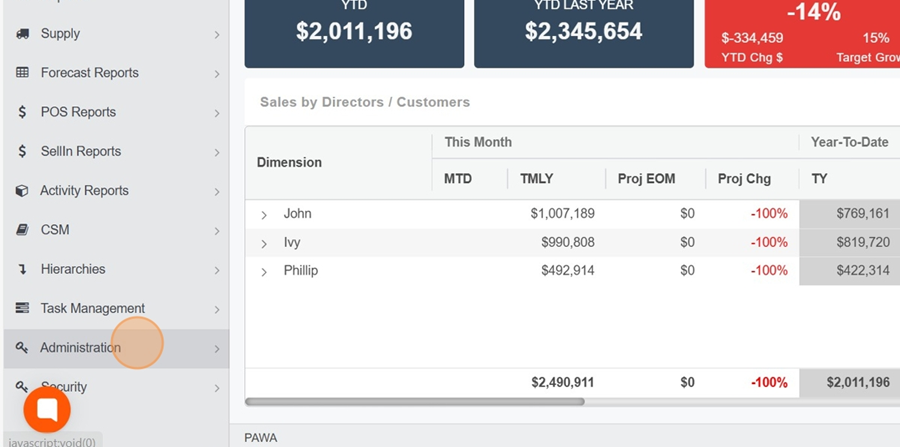
Go to the Administration section.
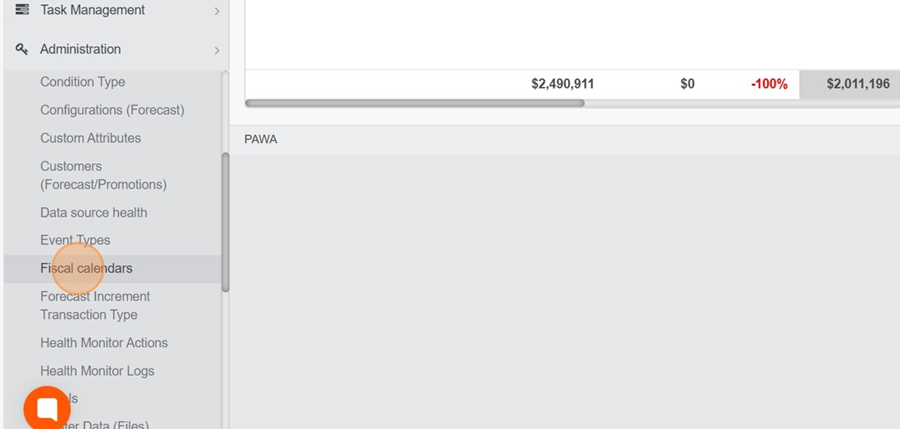
Click the “ Fiscal Calendars” option in the dropdown menu
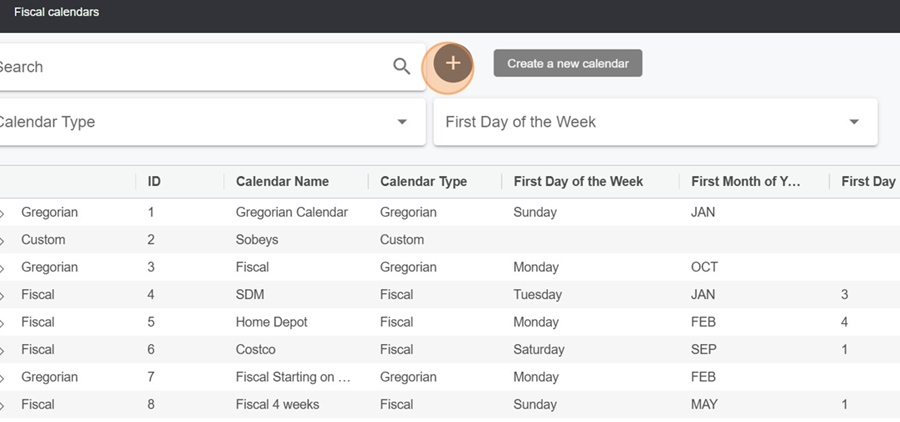
Click the + button at the top center
Name the calendar
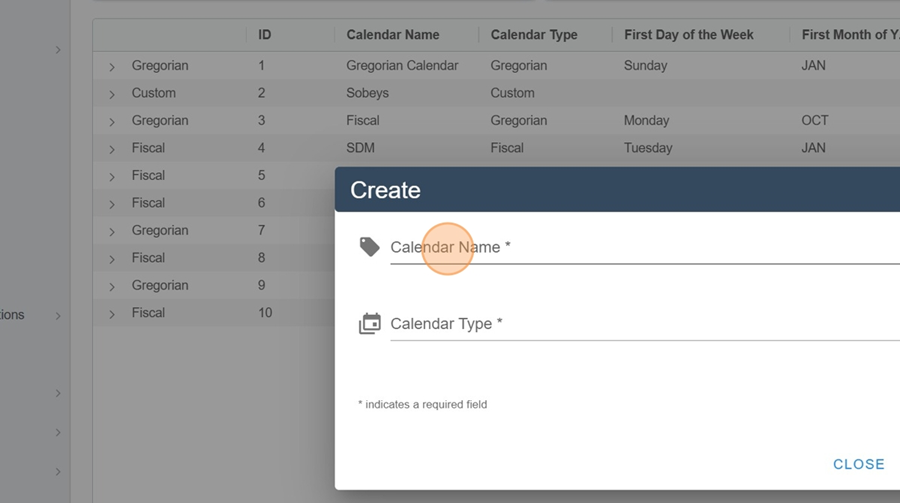
Choose your calendar type;
GREGORIAN: The period corresponds to a month. Select the month in which your year begins.
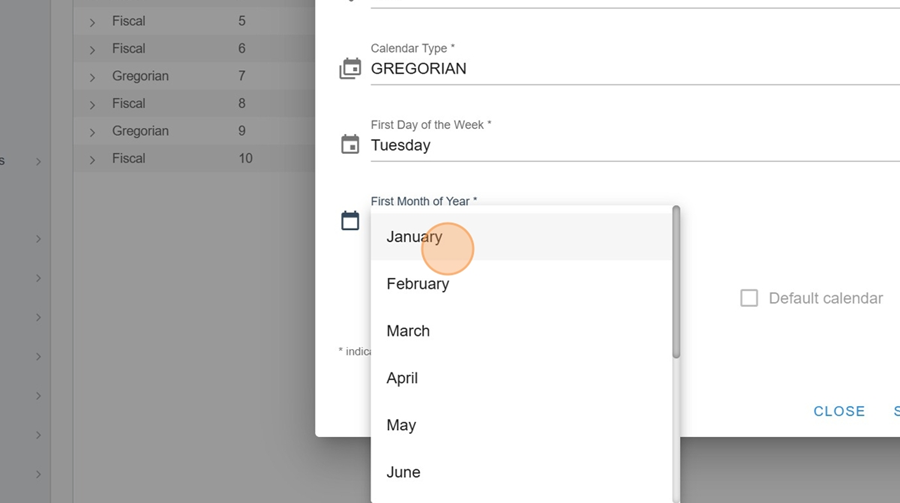
FISCAL: The fiscal calendar allows you to determine the first day of the week, the first month of the year, the first day, as well as the number of days included in the first week.
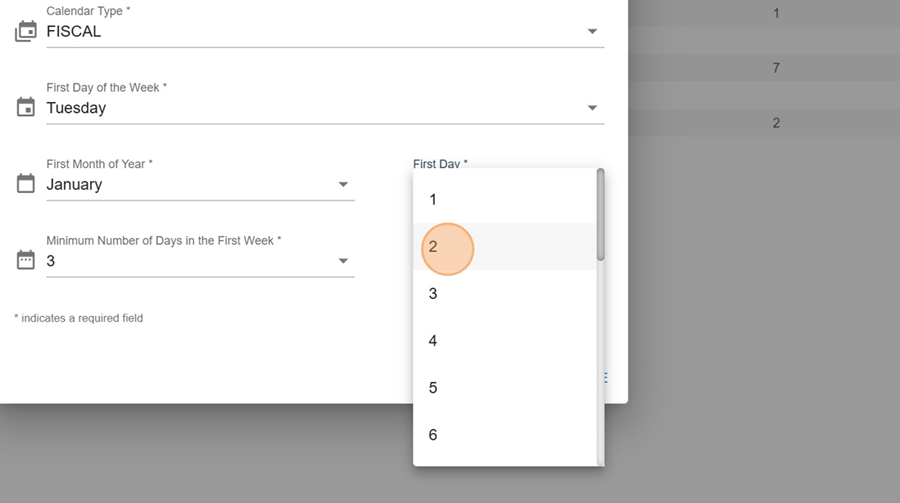
Click SAVE
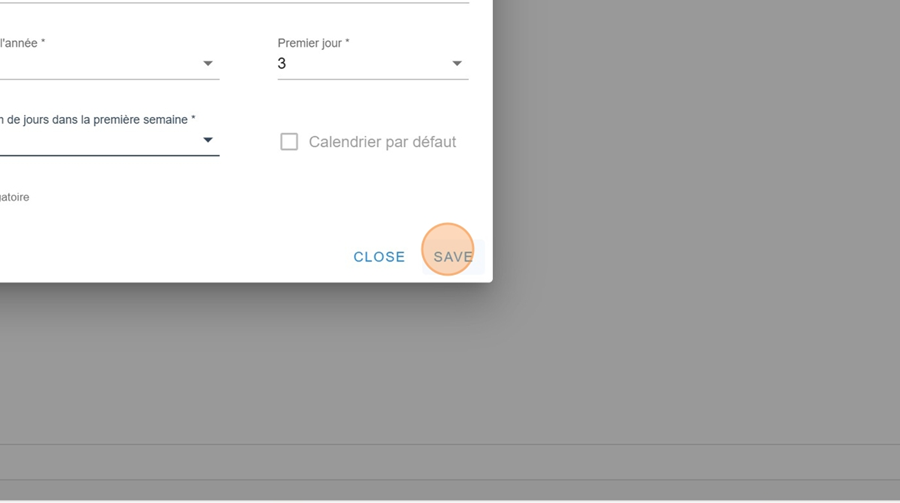
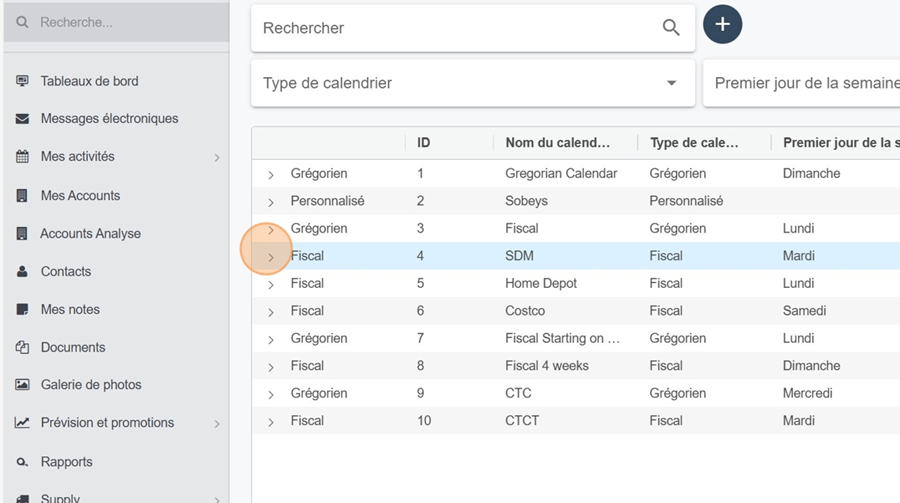
You can view your calendar by clicking the arrow to the left of the row.
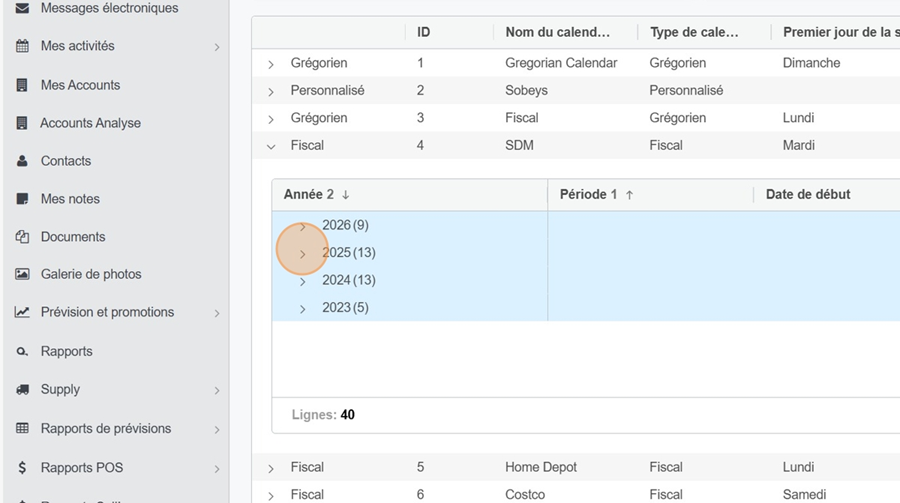
Then click again on the arrow to the left of the year you're interested in
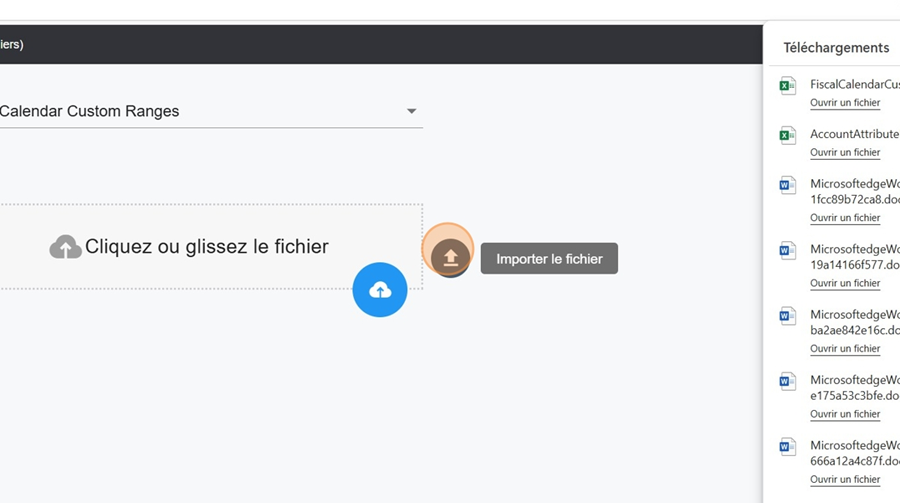
In some situations, the rules established by fiscal calendars may not fit your needs. In such cases, it is possible to upload a custom calendar.

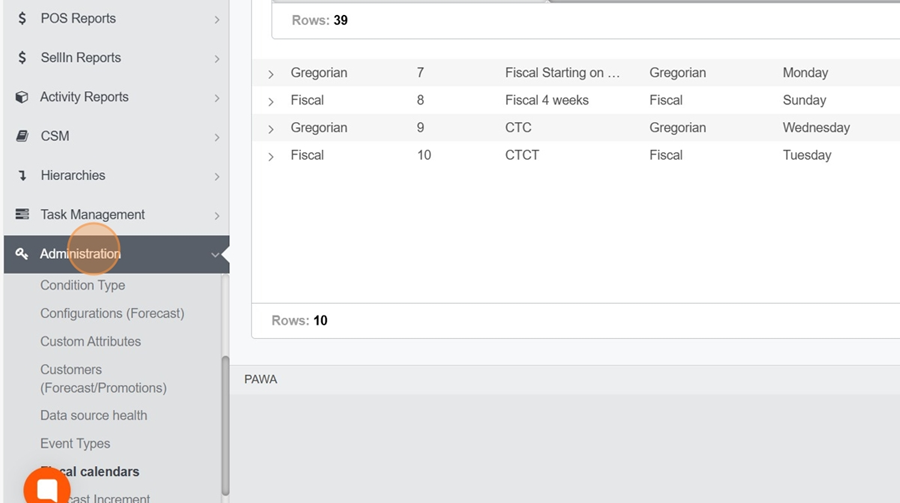
First, click on Administration in the left-hand menu.
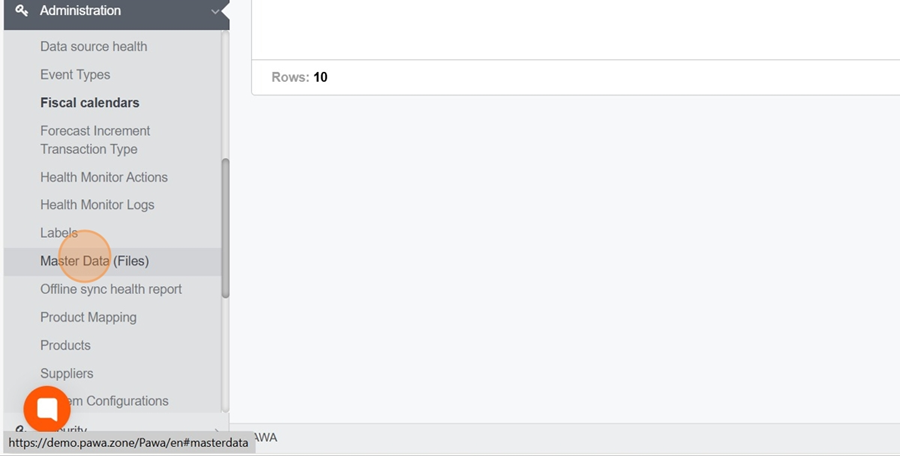
Then, click on Master Data (files) in the drop-down menu.
Type and select « Fiscal Calender Costum Ranges » in the search bar at the top of the screen
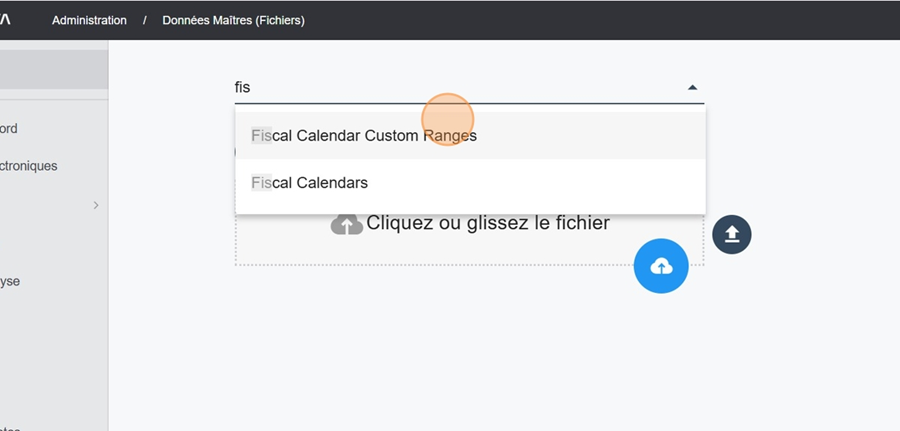
You can now download the calendar you want from your files