
Navigate to the Photo Browser
Click on the UPLOAD button.

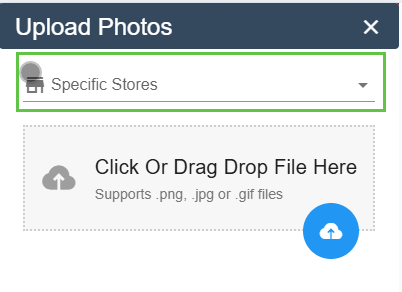
Indicate the store you want to associate with the photo and add tag if applicable.
Click to select the picture source.
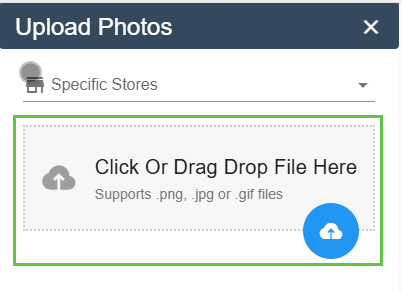
Choose one of the following three options:
Photo Library (to select photos already taken)
Take a Photo
Browse
Click the Save button to save your photos directly to Pawa.