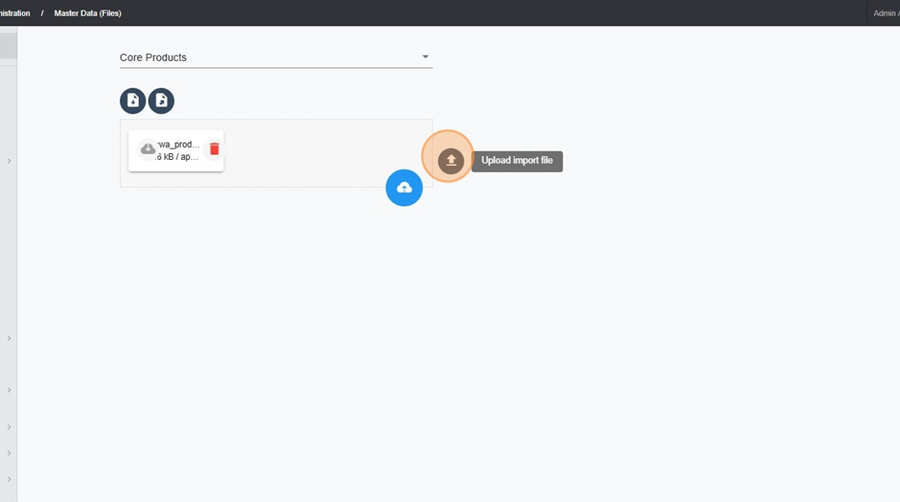
1. Navigate to Administration > Products
2. Click on the action button
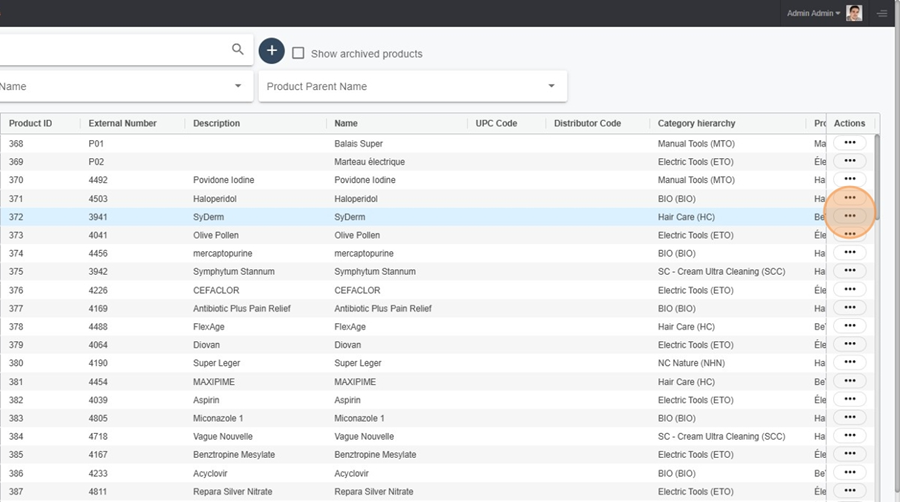
3. Select Edit this product to modify an existing product.

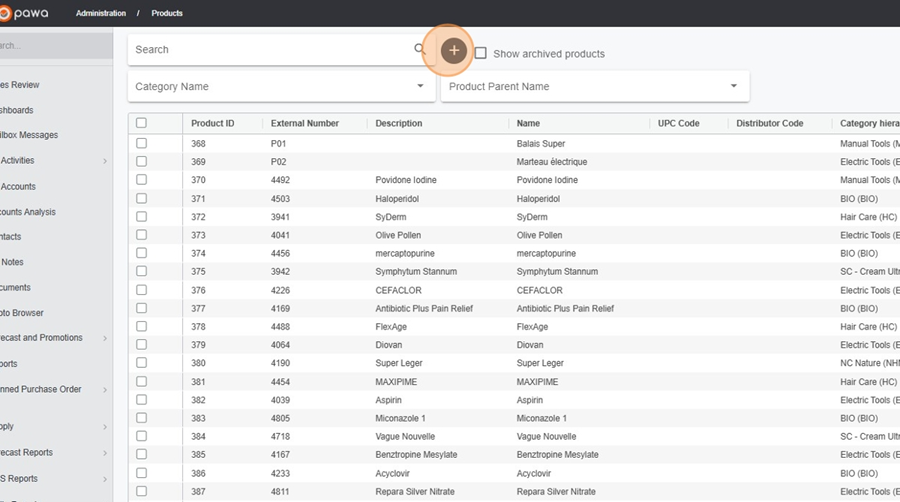
3. To add a new product, click the + button.
1. Navigate to Administration > Master Data (Files)
2. Select Core Products
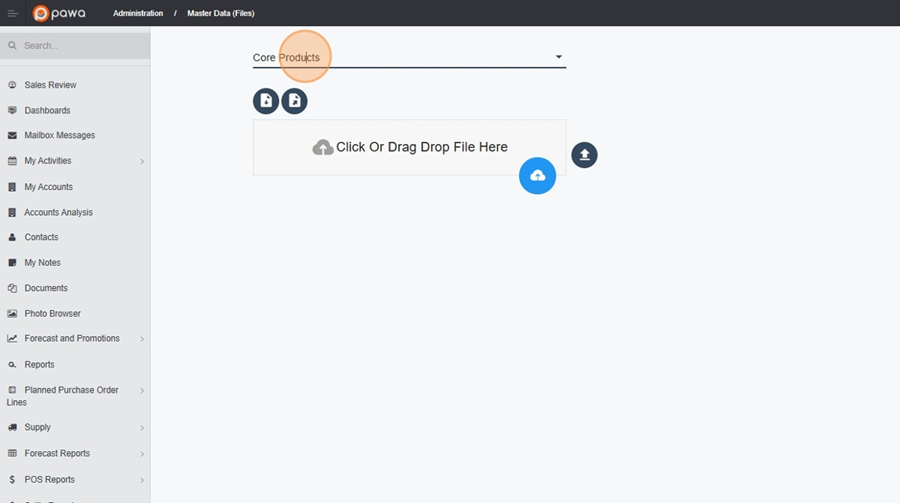
3. You can Export an Excel product list to modify or add new products

4. After making changes, re-upload the file to update or create new products.

Let me know if you need further clarification or assistance with this!