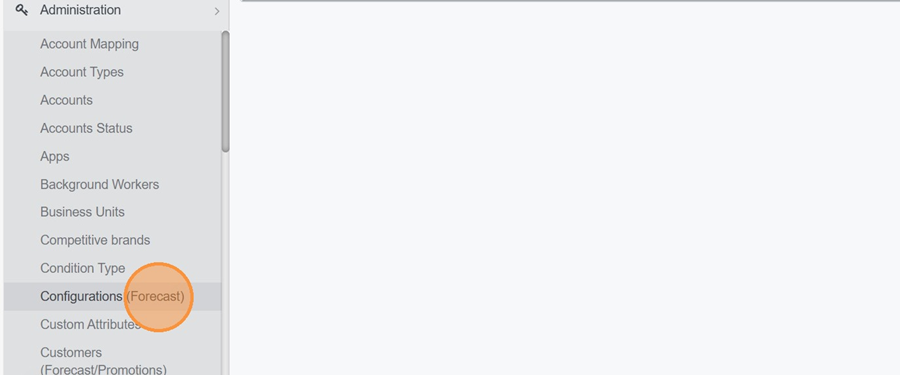
Navigate to Administration > Configuration (Forecasts).
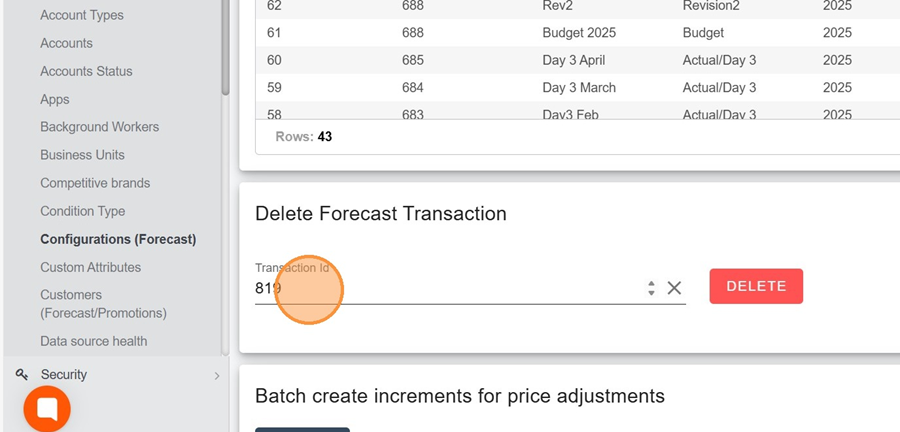
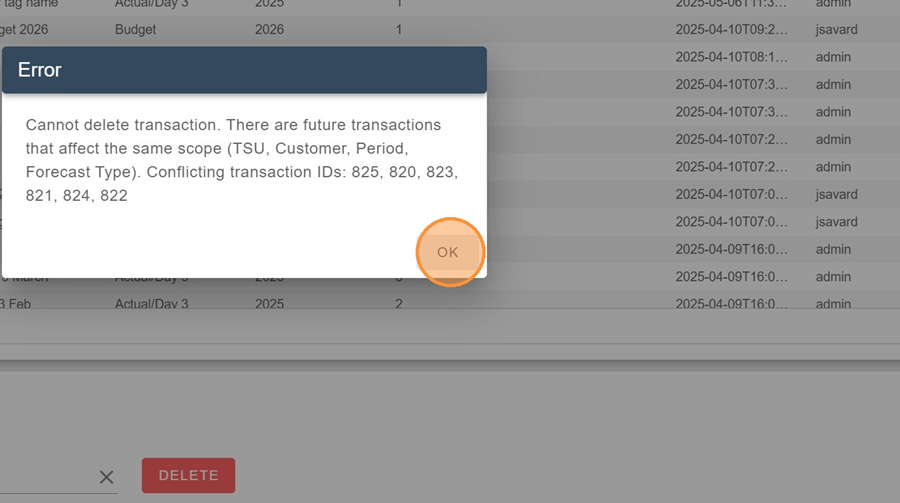
Enter the transaction number you want to delete in the Delete Forecast Transaction section.
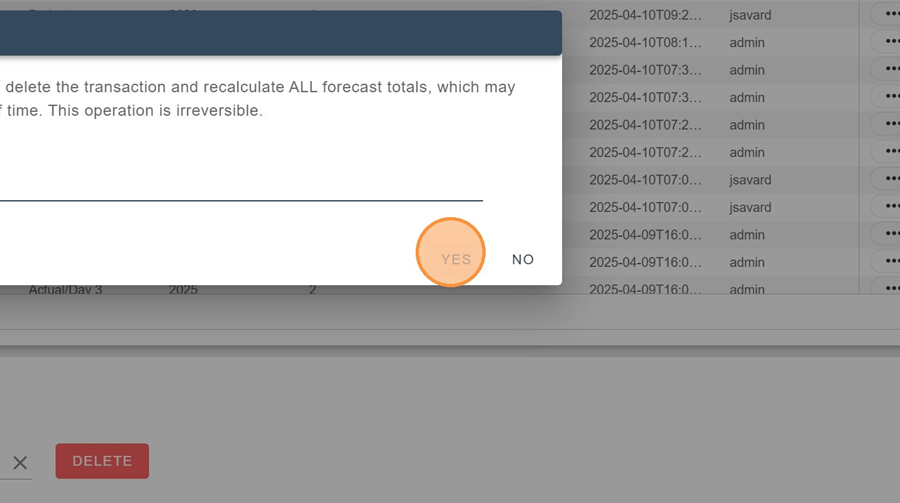
Type “DELETE” to confirm the deletion and click YES.
A message will appear to confirm the deletion of the transaction.

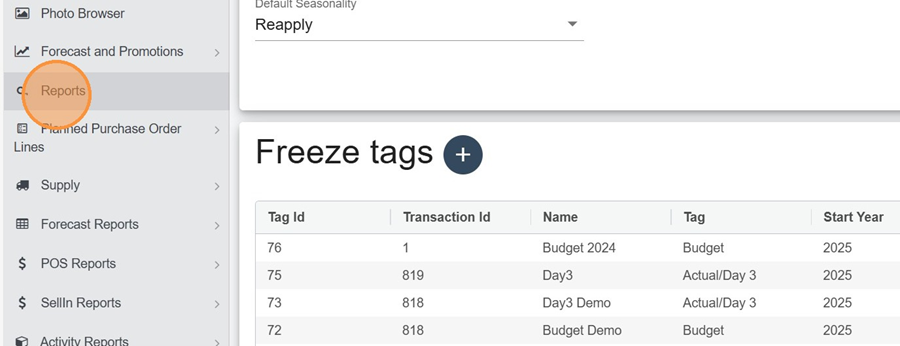
Navigate to Reports.
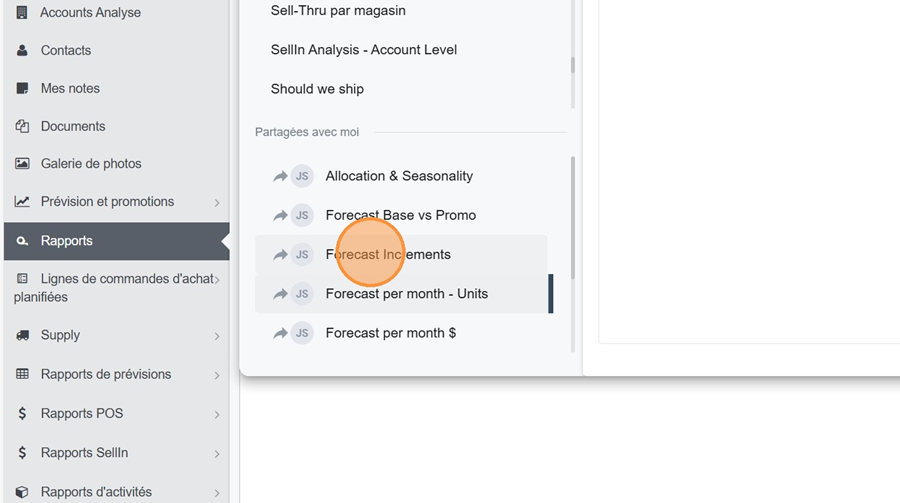
Choose the Forecast Increments view.
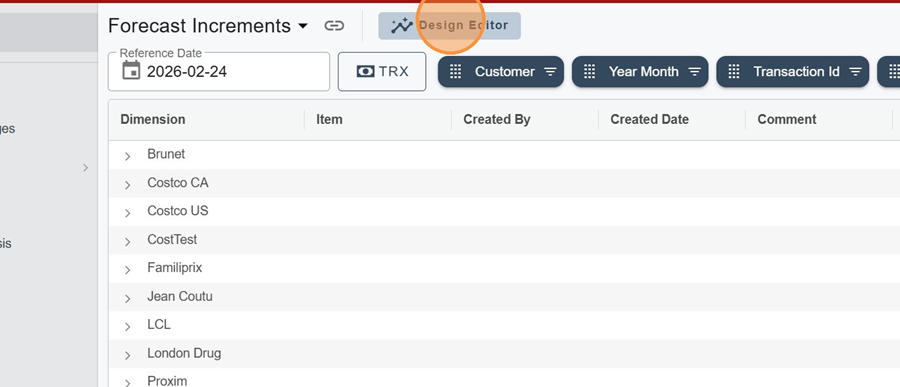
Click on the design editor
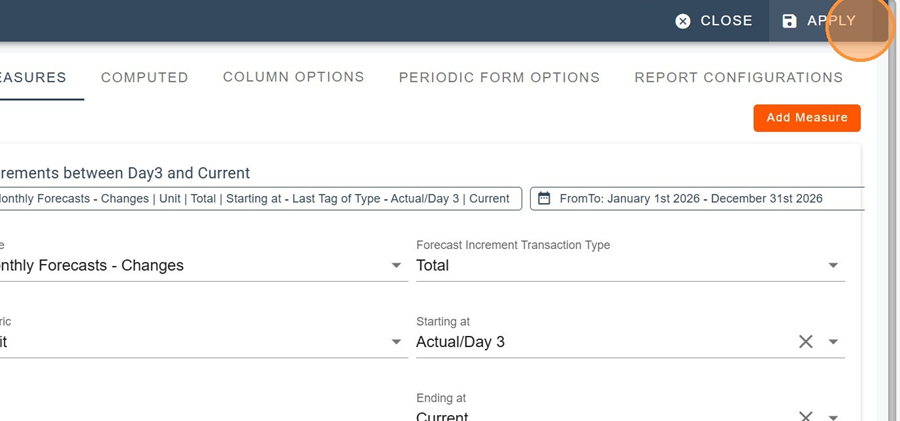
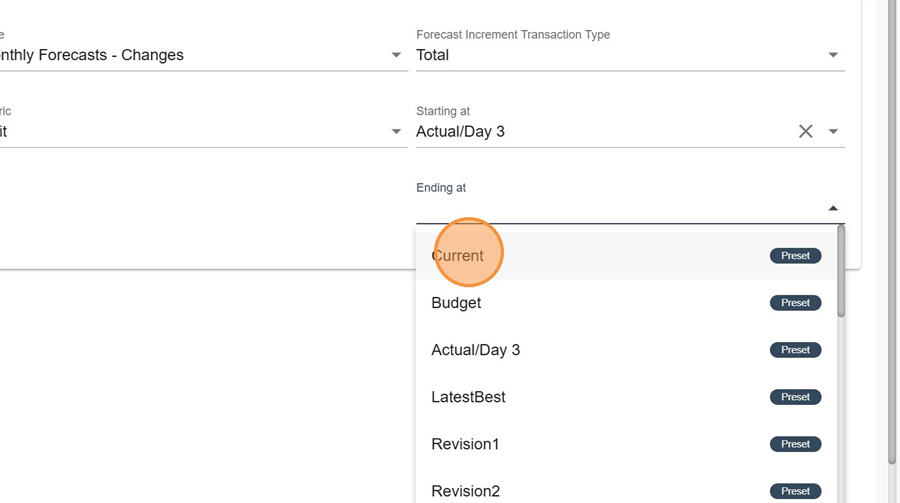
Fill in the parameters as desired, selecting your measure.
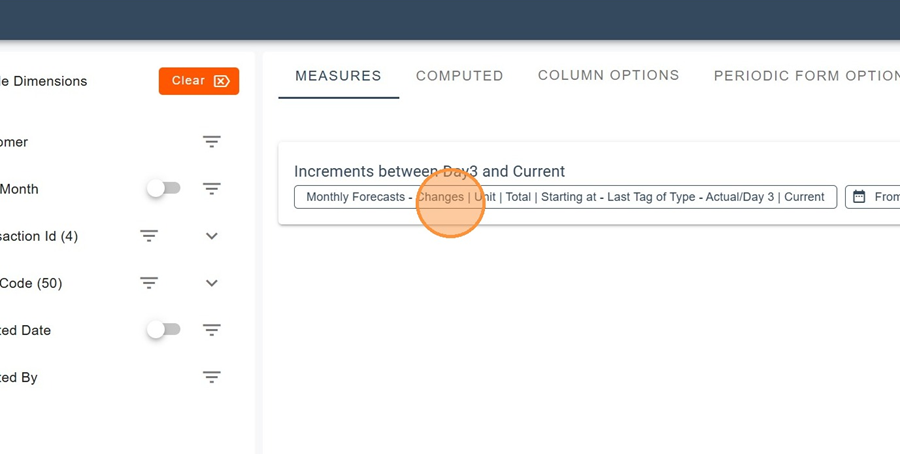
The displayed transactions will correspond to those that fall between the “Starting at” tab and the “Ending at” tab.
Once the measures are selected, you can add different dimensions to the Visible Dimensions section (such as the Transaction ID, for example).
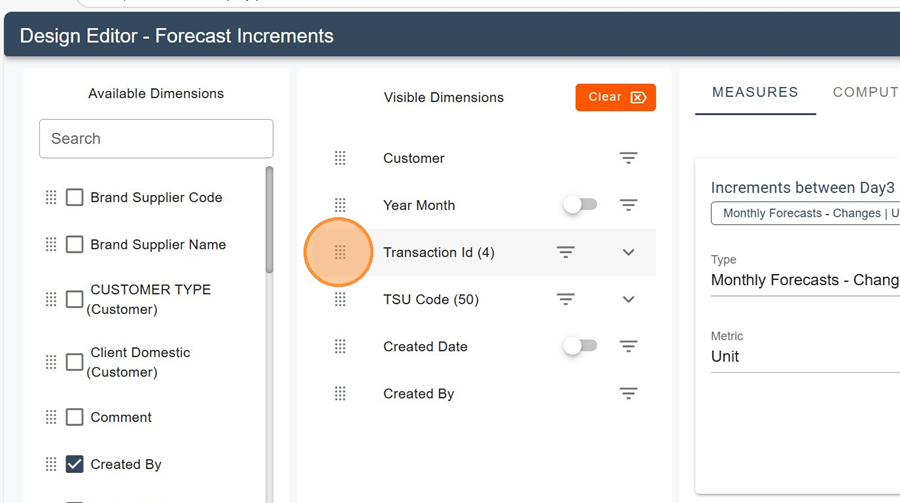
Don’t forget to click Apply.