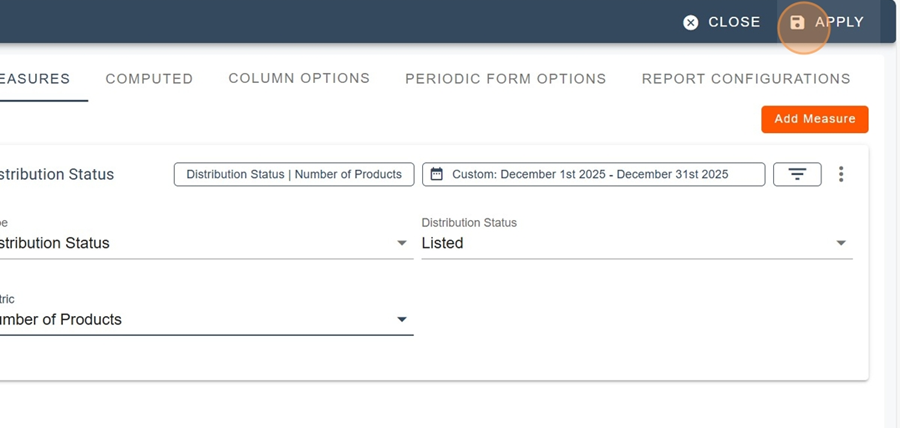
It is possible to display the distribution status of a product in the report. To do so, first go to the report design editor.
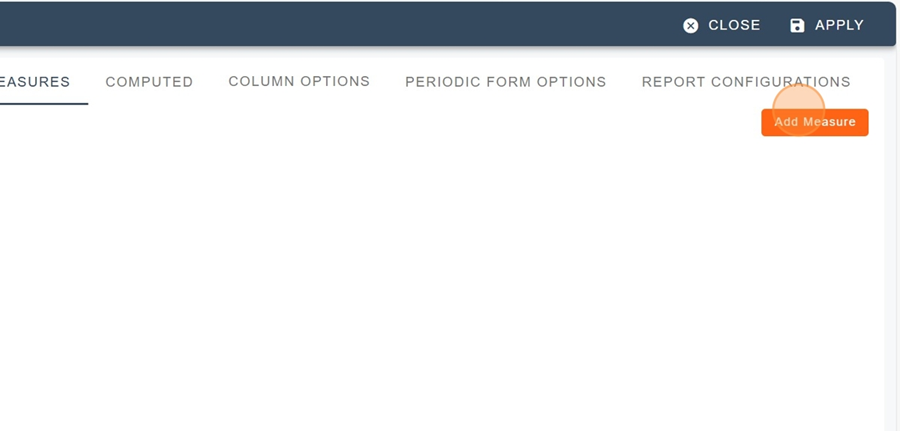
Add a new measure
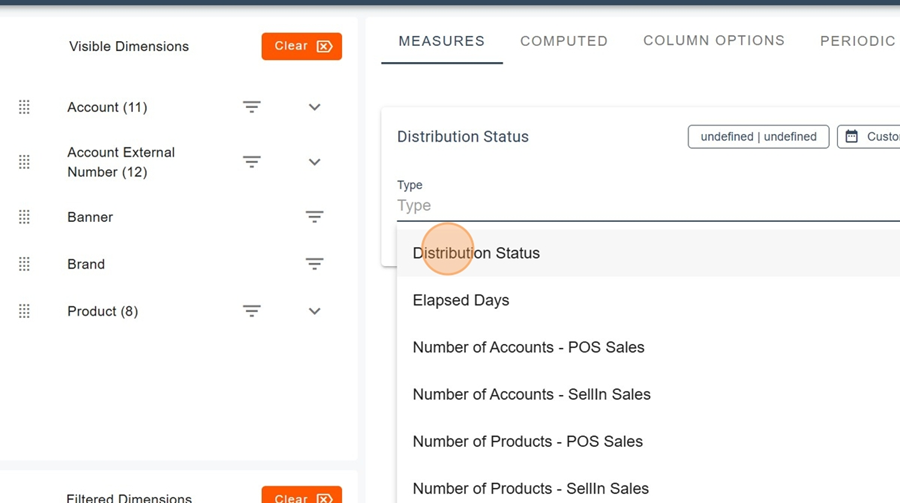
Name the measure Distribution Status and select the metric type with the same name.
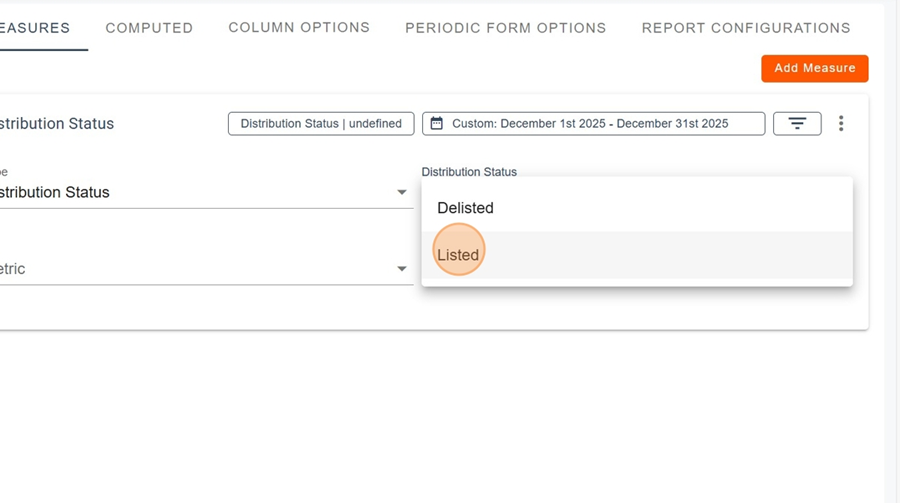
Choose the Listed or Not Listed option and the related metric.
Then click Apply to view your report.