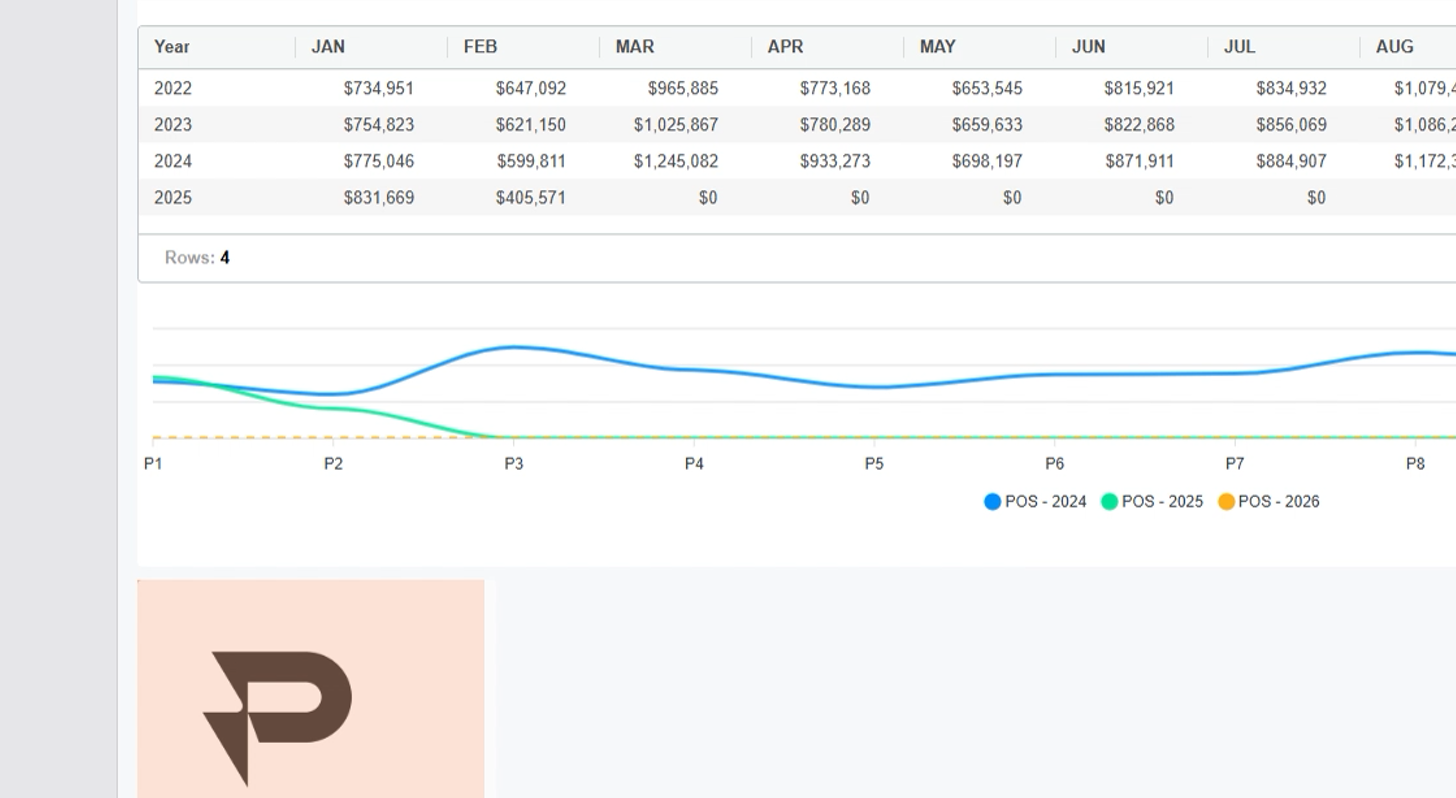
Creating a Widget
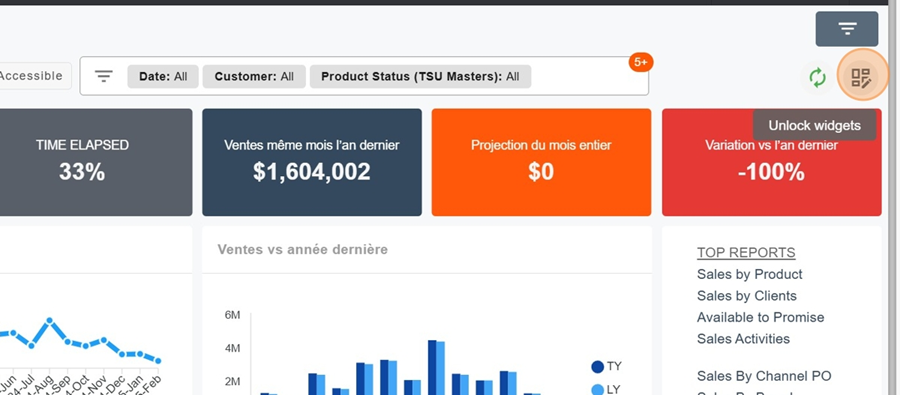
To add a widget, first click on the squares icon at the top right of the screen
Then click on the orange box New Widget

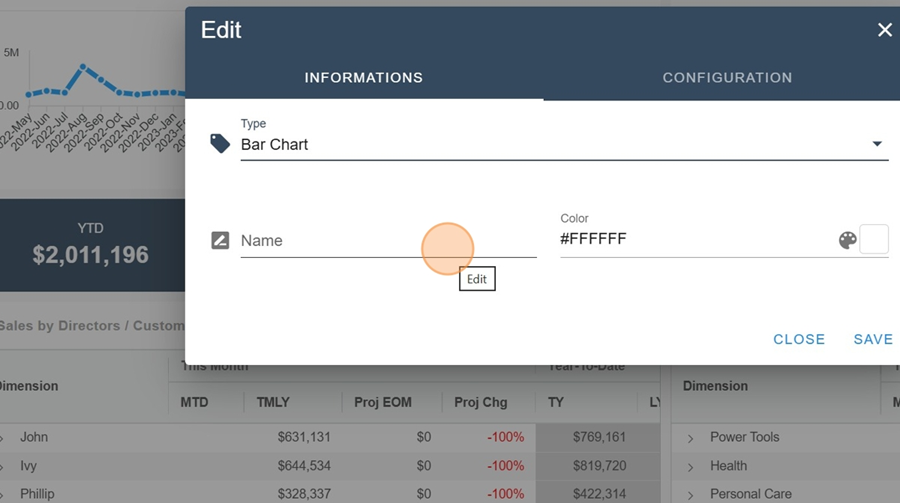
Name your Widget if you want to
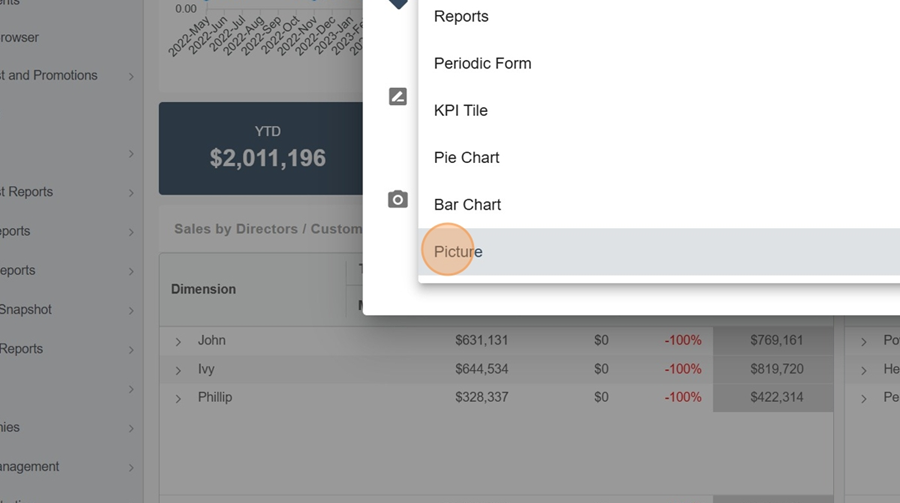
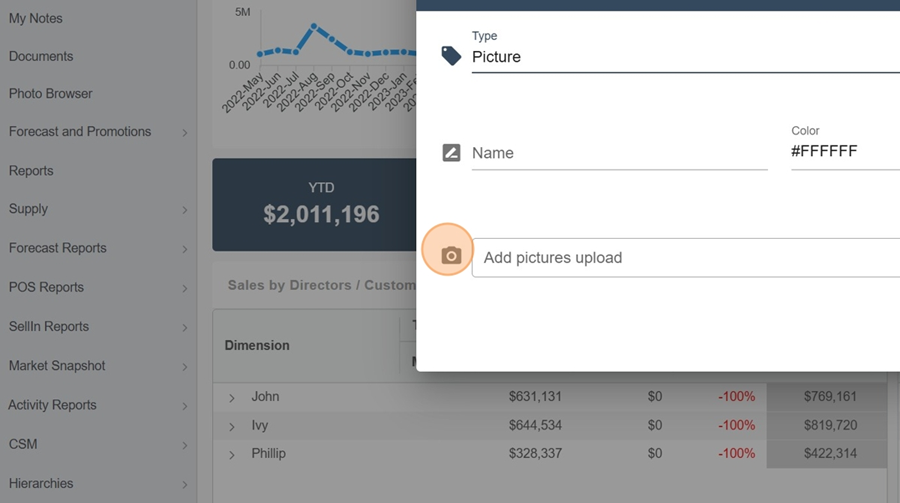
Picture
Select the Picture type
Pick an image you want and upload it. Click save
You can resize your image if needed